
Bosch video, intrusion and integrated security systems
Coordinate Bosch cameras, BVMS, intrusion panels and access components as separate product families with defined integration and response ownership.
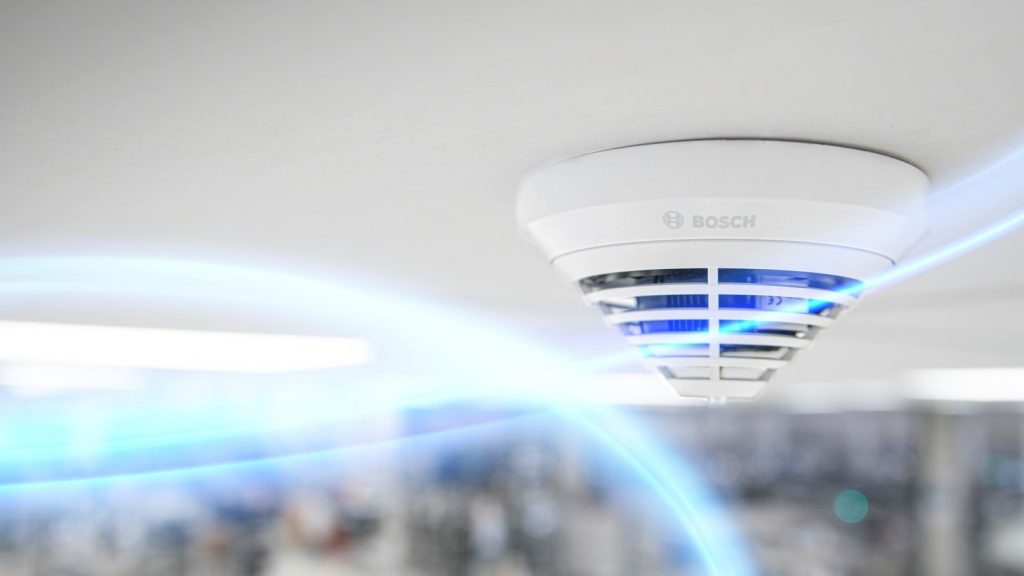
What Bosch includes—and how to choose
Bosch provides video surveillance, intrusion detection, access management, public-address and life-safety product families. A Bosch site program must identify the responsible subsystem and its approved interface rather than treating every device as one native platform. Life-safety and security functions require different codes, authorities and acceptance procedures.
Bosch Video Management System supports operator workflows, recording and event handling for compatible cameras and devices. Camera selection still depends on the scene, lens, illumination, environmental conditions, analytics and storage. BVMS server, workstation, archive and network requirements are checked against the planned device and stream load.
Bosch B Series and G Series intrusion systems support different site sizes and integration needs. Zones, partitions, keypads, communicators and monitored response must be deployment designed as an alarm system—not inferred from a video scope. Any interface to video or access control is documented by event, direction, ownership and loss-of-communications behavior.
Product families and their roles
This portfolio map separates the main Bosch functions so the site program is not reduced to a generic model list.
BVMS video management
Operator, recording, event and evidence workflows for supported video systems.
Network cameras and analytics
Fixed and specialty imaging selected for scene purpose and operating conditions.
B and G Series intrusion
Panels, points, keypads, communications and partitioned alarm workflows.
Access and integration
Access management and approved event interfaces between Bosch subsystems.
Architecture decisions before procurement
The selected family must fit the opening, scene, network, power, software and administrative environment.
Subsystem responsibility
Name which platform originates, displays, acknowledges and archives each event.
Alarm architecture
Map points, partitions, communications paths, monitoring and approved response.
Video performance
Size cameras, streams, storage and client workstations from evidence requirements.
Safety separation
Keep fire and life-safety responsibilities within the applicable engineered and inspected scope.
Operational Acceptance evidence
Acceptance must demonstrate the intended workflow under realistic conditions, not only show that devices appear online.
- Exercise alarm, trouble, bypass, restore and communications-loss conditions.
- Retrieve Bosch video for alarm events and verify timestamps and camera association.
- Confirm operator permissions and event acknowledgement across integrated interfaces.
- Deliver panel, point, camera, software and firmware records without publishing sensitive configuration.
Official Bosch resources
Use the manufacturer pages below for current product status, compatibility, release notes, software and firmware. We link to official resources and do not host firmware files locally.
Detailed deployment planning and product-family guides
Use the detailed Bosch guides below to compare specific hardware, software and deployment decisions.
Build an on-site installation-ready Bosch scope
Share the site, existing equipment, required workflows and site program timing. We can identify the survey, compatibility checks, deployment design and operational acceptance evidence the site program needs.
Discuss products and on-site installationEquipment we supply and install
Bosch video (now branded IQSIGHT under Keenfinity) is what we specify when low-light performance and built-in analytics have to be right first time — Texas plants, utilities and anywhere the lighting is uneven.
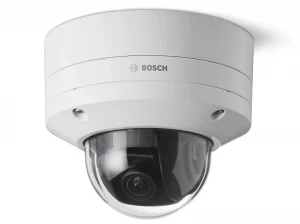
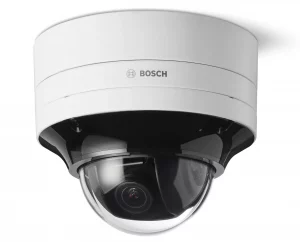
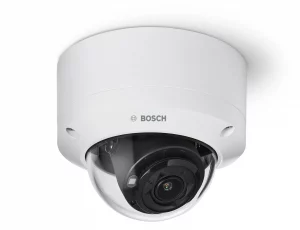
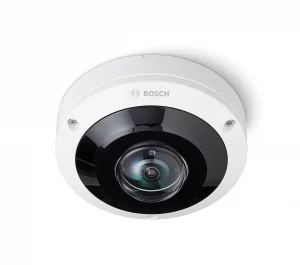
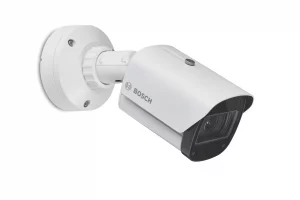
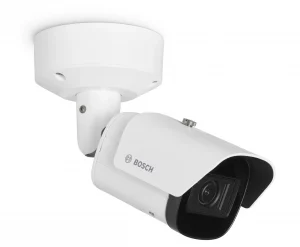
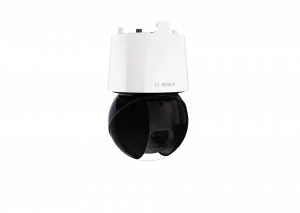
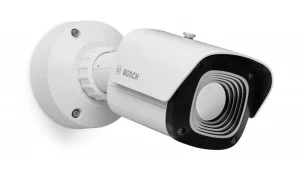
Product images are the manufacturer's, shown for planning. Final models and accessories are confirmed per project.
Bosch and Keenfinity enterprise-security resources
Texas and Gulf Coast clients can use these guides to prepare Bosch enterprise-security deployments and upgrades.
Discuss Bosch installation, integration or service
Detailed guides are maintained by 360TechnologyGroup.com, the parent-company knowledge center.